Page template
Status: OfficialHow to use ‘official’ styles
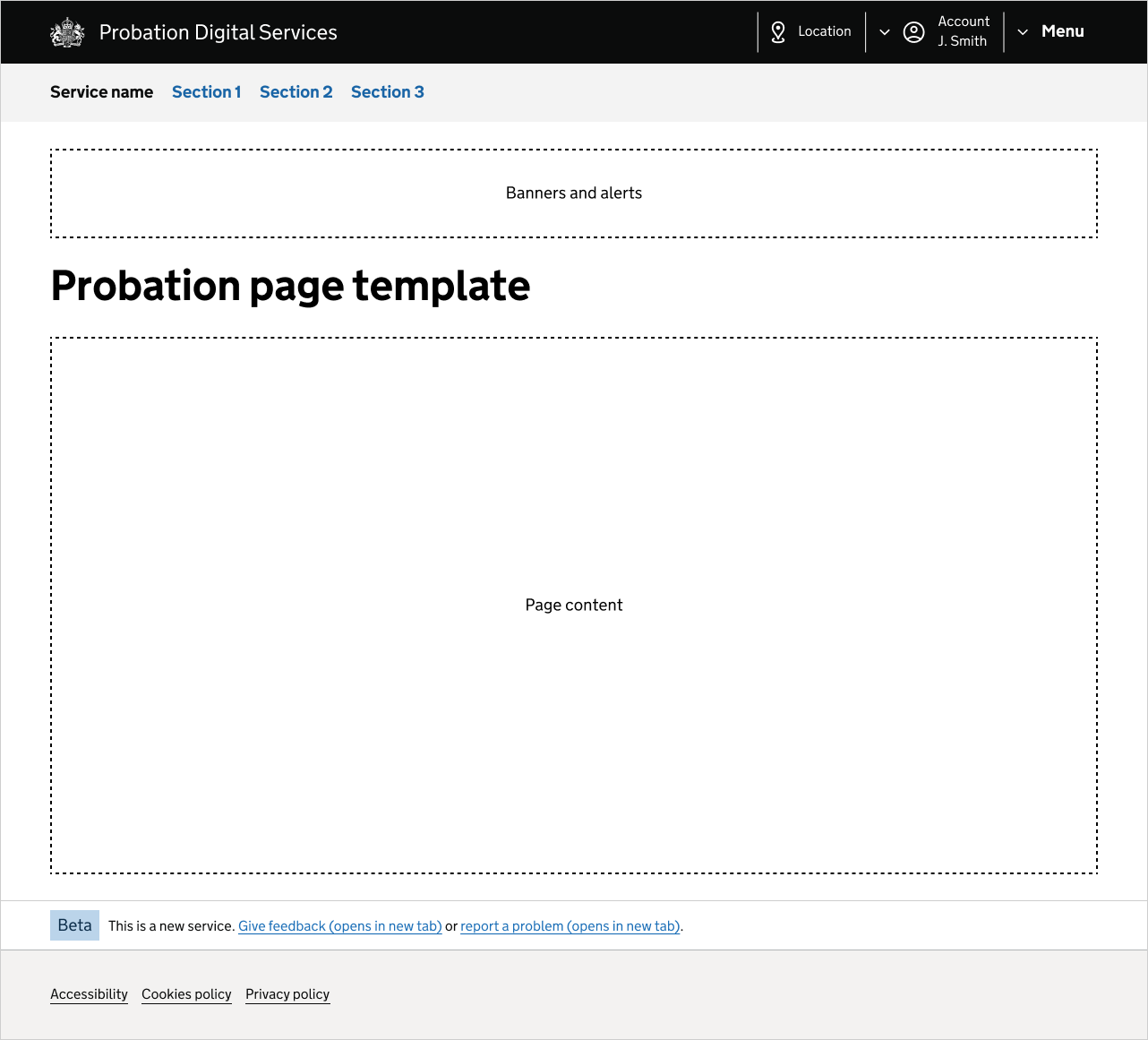
This template covers the components you should add to a page in an internal probation service. It includes:
- PDS header component
- PDS footer component
- GOV.UK service navigation component
- GOV.UK phase banner component
Header and service navigation
Use the PDS header component throughout your service.
Use the GOV.UK service navigation component below the PDS header.
Add your service name to the navigation. You can remove the links from the navigation if they’re not needed.
Footer and phase banner
Use the PDS footer component throughout your service.
The GOV.UK phase banner component sits above the footer, and can contain a feedback link if needed.
Other components
The template shows the components that should be used in all internal probation products.
There are other components you can use in your service.
Banners and alerts
The new features banner component sits below the service navigation.
The alert component sits below the breadcrumbs or back link, above the main heading (H1).
Breadcrumbs and back link
When using the GOV.UK breadcrumbs component, the first breadcrumb should be your service name. Do not include the current page in the breadcrumb trail.
Use the GOV.UK back link component on question pages, or when there are no other sections.
Headings and captions
The main heading (H1) should be one of the following:
- section title
- person’s name
Add a caption to the main heading if the user needs more context about where they are in the service.
Further navigation
When using a secondary navigation component (sub navigation component or side navigation component), add the section title as the H2 heading.
When using sub navigation and side navigation components together, add the sub navigation title as the H2, and the side navigation title as the H3.
Get help and contribute
Get help
You can contact the MOJ Design System team for help or support using this style.
Help improve this style
The MOJ Design System team would like to hear:
- how you have used this style in your service
- any ideas for improvement
Add these comments to the page template discussion on GitHub.